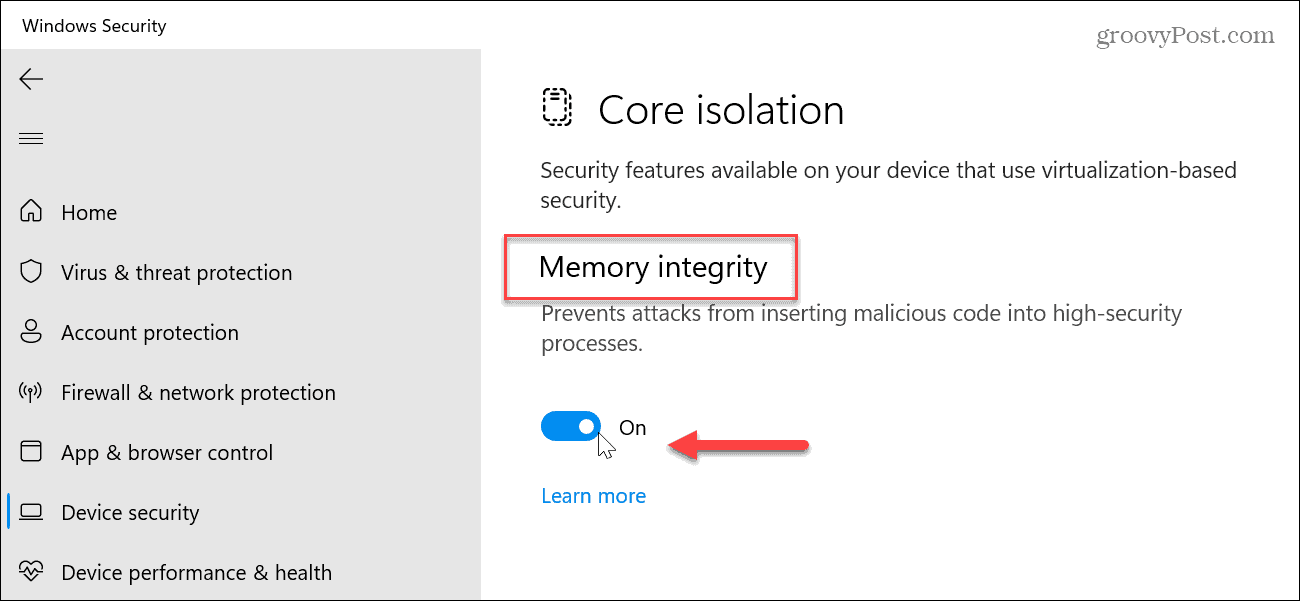
Memory integrity, also called HVCI, is part of Core isolation in Windows Security. Disable it as follows:
-
Open Core isolation
Select
Start, typeCore isolationin the taskbar search box, and select Core Isolation from the results to open the Windows Security app. -
Turn off Memory integrity
On the Core isolation page, set the Memory integrity toggle to
Off.