Game Mode aims to optimize your PC for gaming, but in some cases it can cause performance issues. The steps are the same on Windows 10 and Windows 11.
-
Open Settings
Press
Win + I. -
Go to Game Mode
Select
Gaming, thenGame Mode. -
Turn off the Game Mode switch
Set the
Game Modetoggle toOff.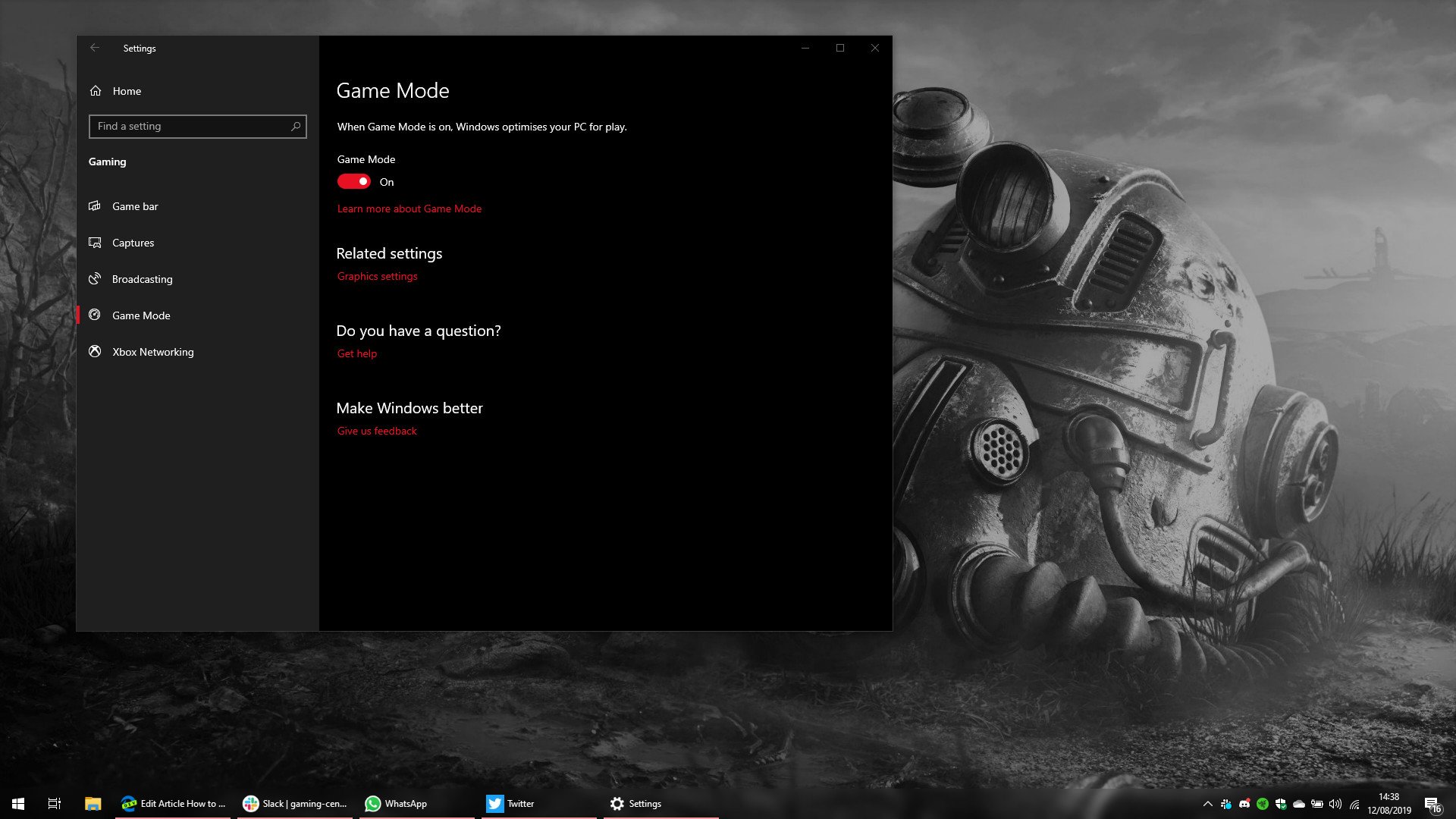
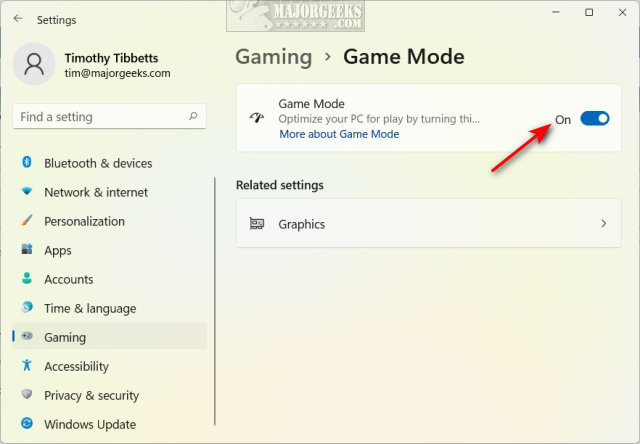
Success: Game Mode is now disabled. To turn it back on, follow the same steps and set the toggle to
On.