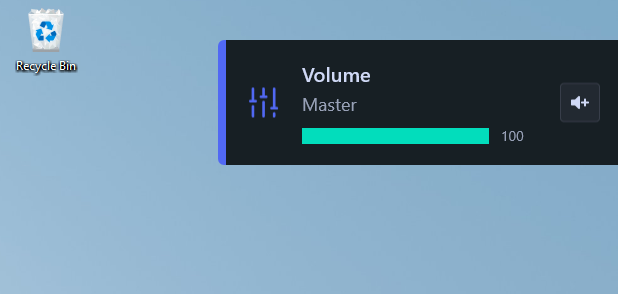
This guide shows how to initialize and use the SteelSeries Sonar overlay by setting a hotkey. The Sonar overlay does not appear by default: it only initializes once a volume shortcut is pressed.
-
Download SteelSeries GG
Download the installer from https://steelseries.com/gg/downloads/gg/latest/windows and install it.
-
Create an account
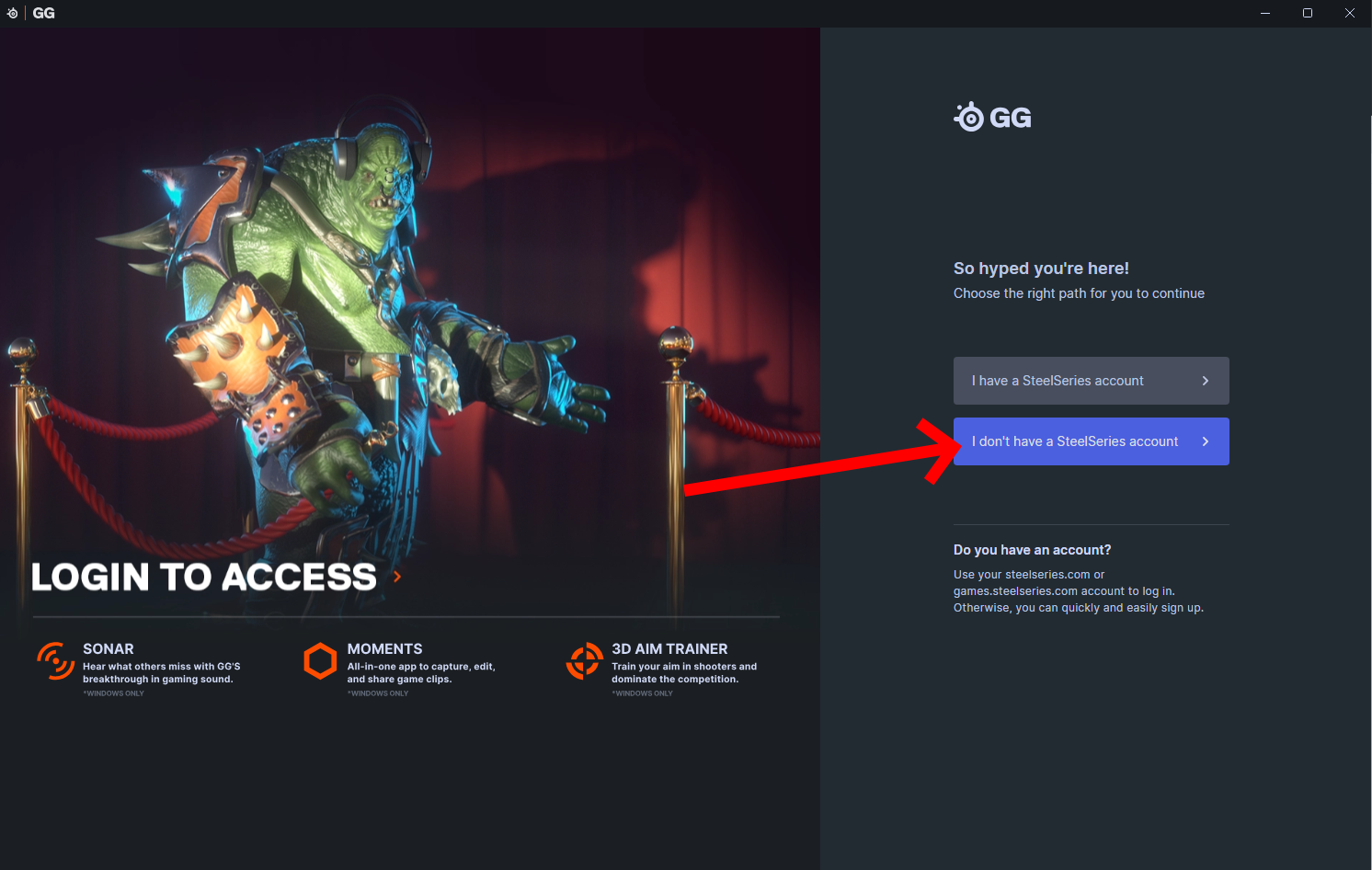
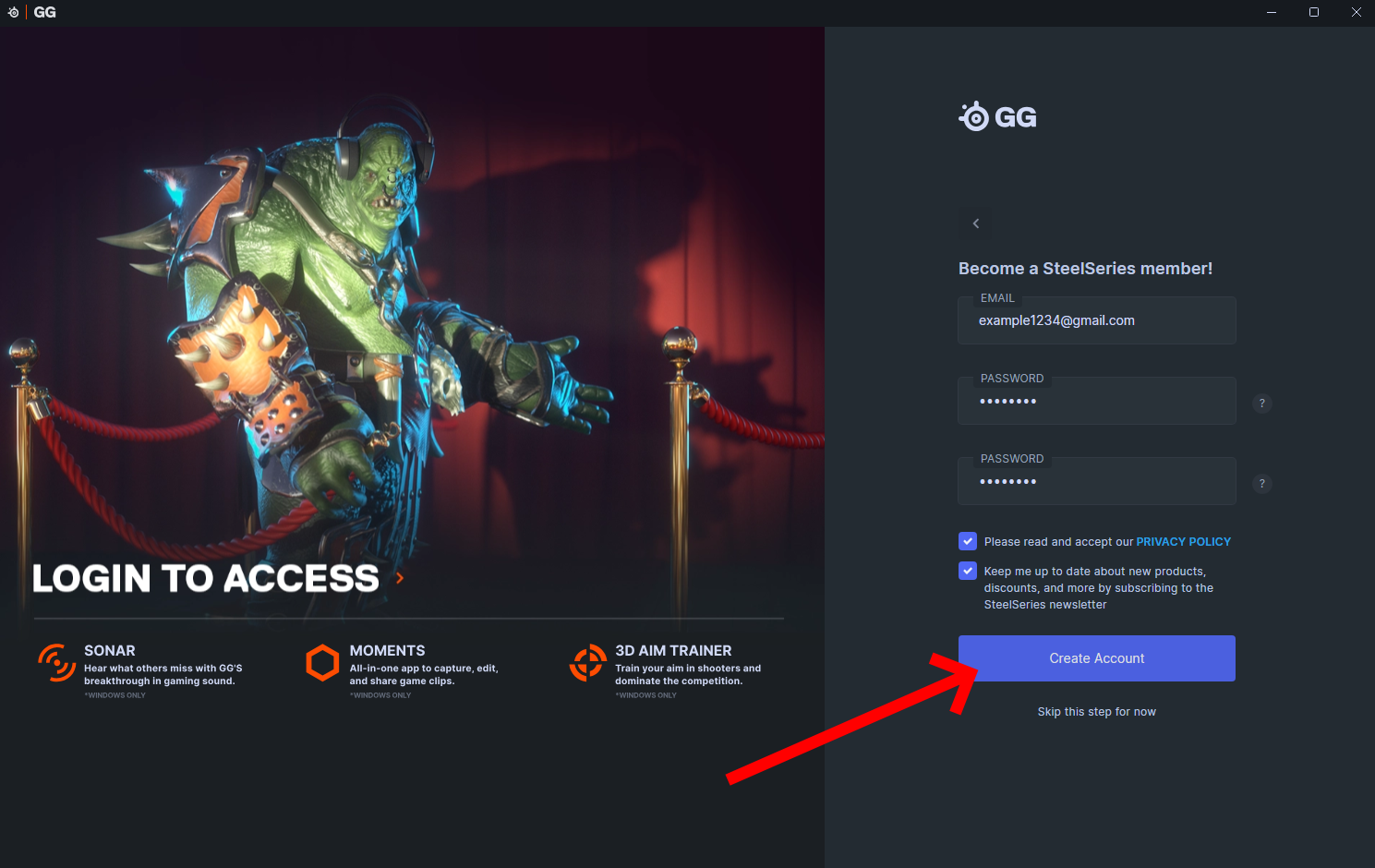
No email confirmation is needed. Choose I don't have a SteelSeries account, fill in the form and click Create Account.
-
Open the settings
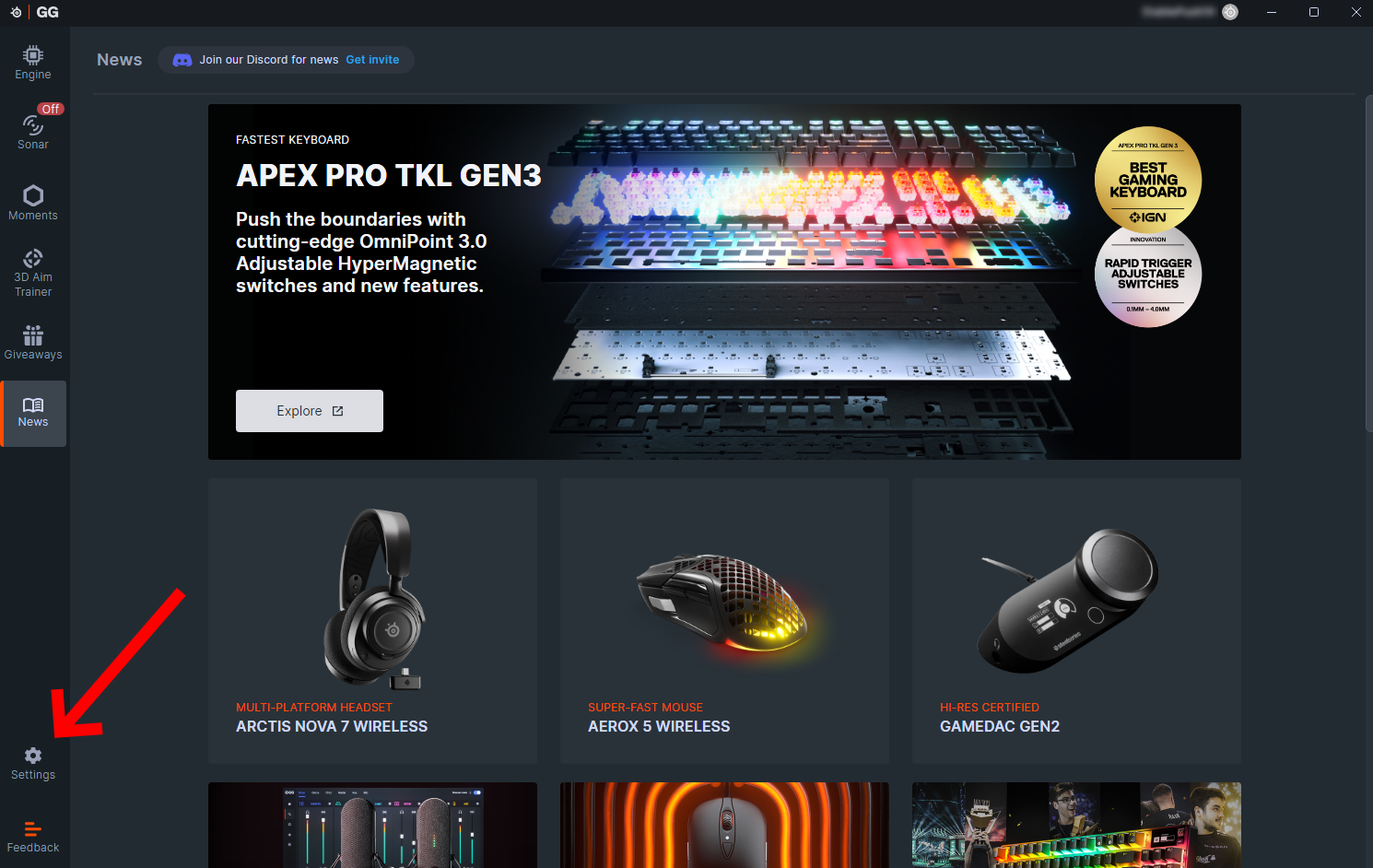
In SteelSeries GG, click Settings in the bottom-left corner.
-
Enable Sonar
Under
GG Services, turn on the Sonar toggle.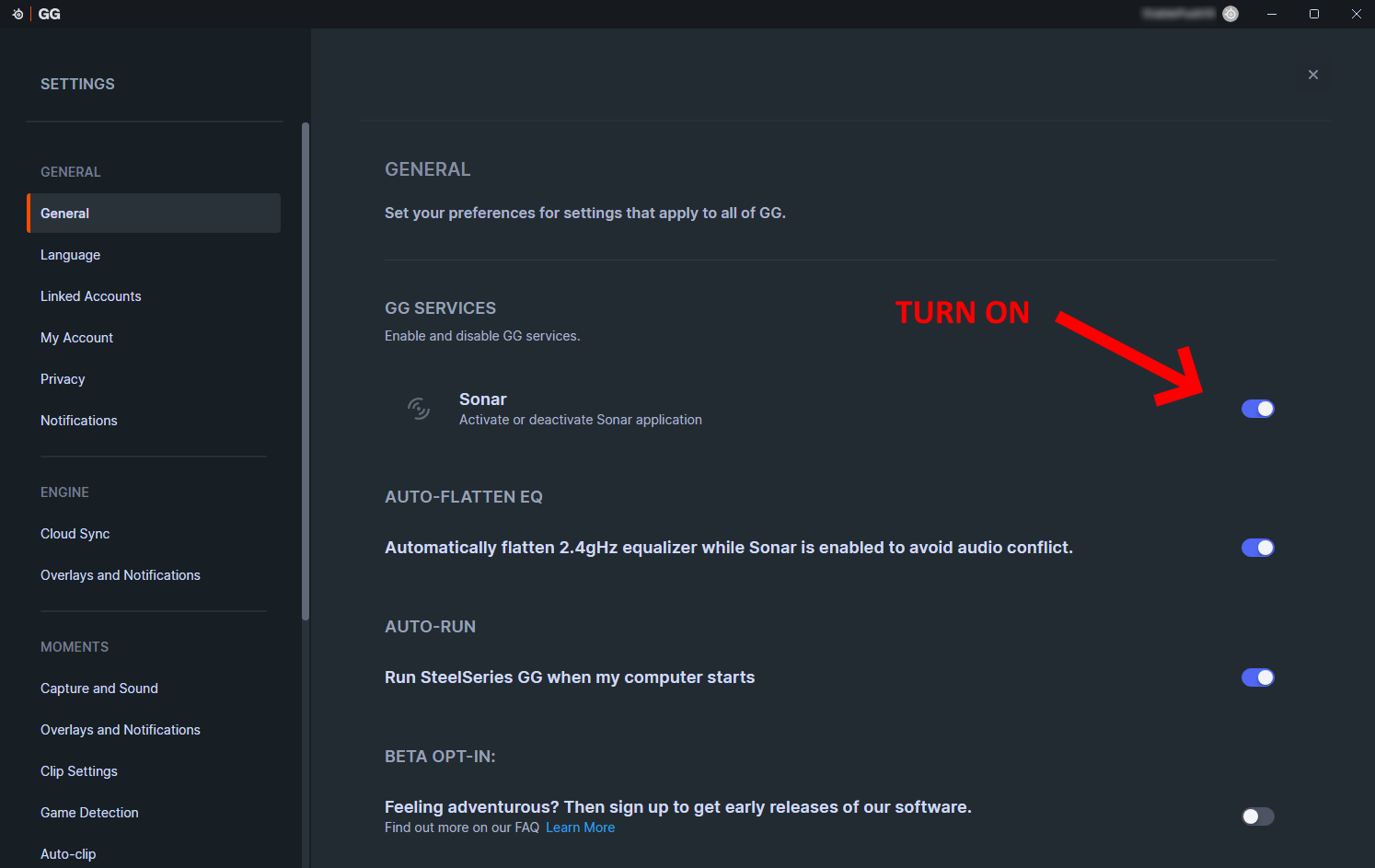
-
Set a volume shortcut
Go to
Sonar → Shortcutsand assign a key to Master - Volume Up, for exampleF1.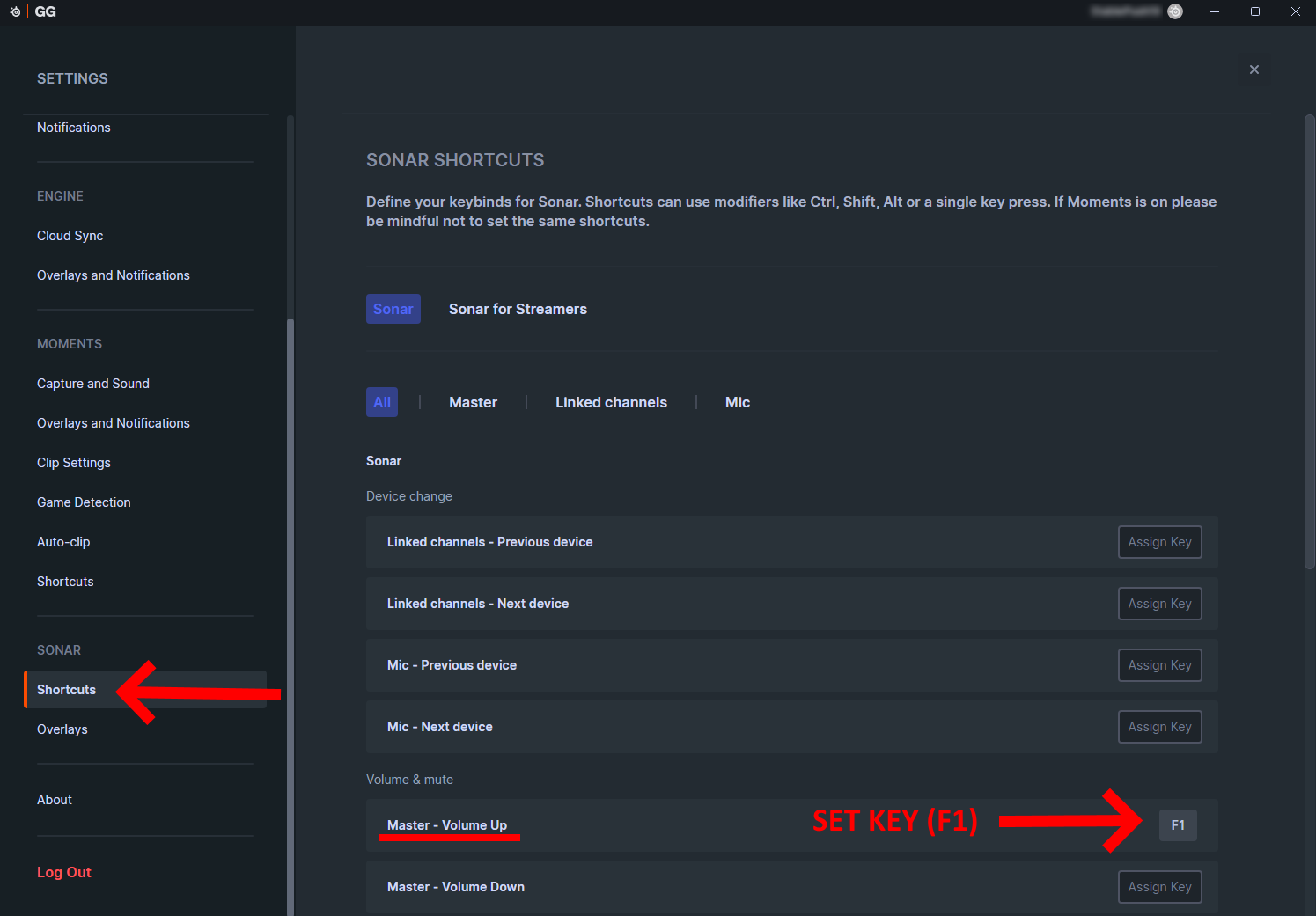
-
Press the hotkey
Press the key you assigned. The volume overlay appears in the top-right corner of the screen and the Sonar overlay is now active.